Guide / Use case
画像から動画を作る方法|AIで写真を動かす
手元の写真や画像から、AIで動きのある動画を作れます。この記事では、1枚を動かす生成型とスライドショー型の違い、おすすめツールの選び方、作成手順を公開情報ベースで解説します。
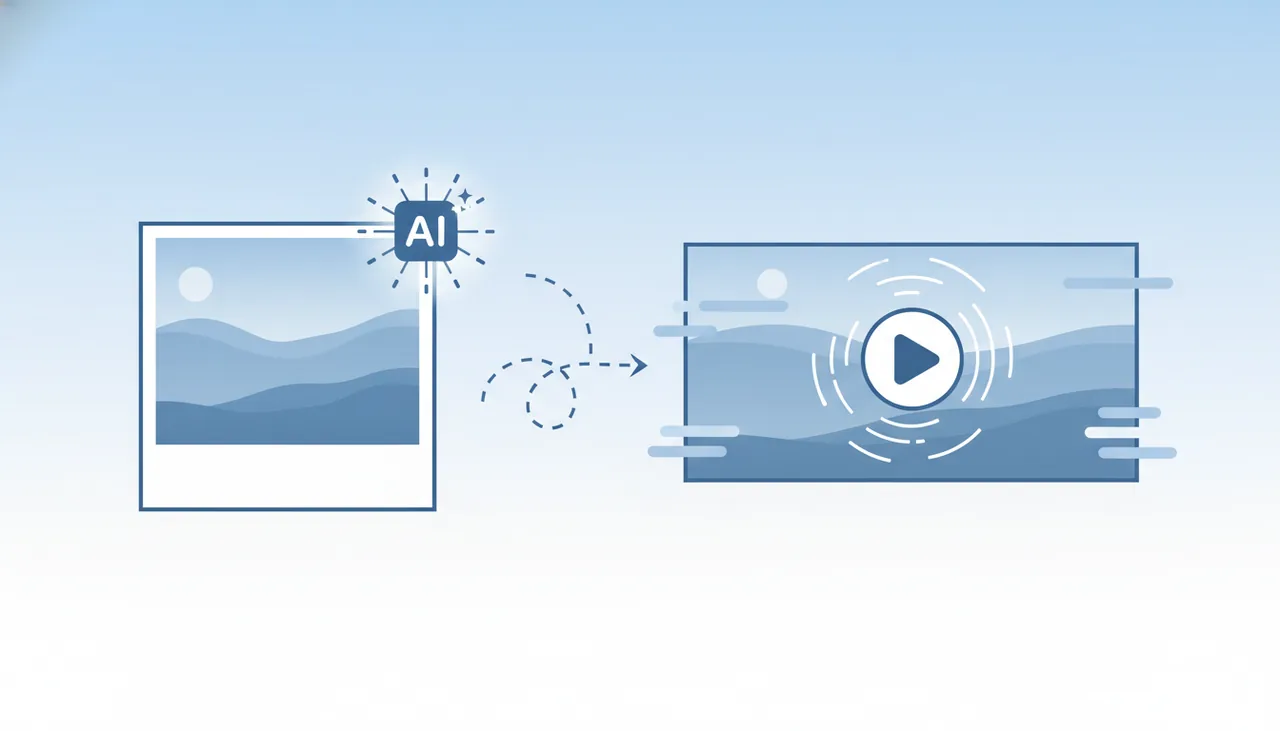
画像から動画は「生成型」と「スライドショー型」
画像から動画を作る方法は、大きく2つに分かれます。目的に合わせて選んでください。
- 生成型(Image to Video):1枚の画像にAIが動きを付け、短いクリップを生成。風景の揺らぎやカメラの寄りなどを表現できます。
- スライドショー型:複数の画像を並べてBGM・テロップ・トランジションを付けます。商品紹介やイベント記録に向く。
「1枚を動かしたい」のか「複数枚をまとめたい」のかで、使うツールが変わります。
目的別おすすめツール
1枚の画像を動かすなら(生成型)
画像にAIで動きを付けるならRunwayが代表的です。Image to Videoで、静止画から短い動画クリップを生成できます。プロンプトで動きの方向や雰囲気を指定し、生成と調整を繰り返すのがコツ。使い方はRunwayの使い方を参照してください。
複数画像をまとめるなら(スライドショー型)
複数の写真にBGM・テロップを付けてまとめるならVeed.ioやCanva Videoが便利です。テンプレートから整ったスライドショー動画を作れます。作り方はVeed.ioの使い方もどうぞ。
解説ナレーションを付けるなら
画像に台本ナレーションを付けた解説動画にしたいならFlikiやPictoryが選択肢です。テキストからAI音声と字幕を生成できます。
画像から動画を作る手順(生成型)
- 元になる画像を用意する:構図のはっきりした高画質な画像ほど動かしやすい。
- Image to Video対応ツールを選ぶ:作りたい動きに合うか確認。
- 画像をアップロードし、動きを指定する:プロンプトで動きの方向・雰囲気を記述。
- 生成して調整する:一度で理想にならないことも多いので、再生成で近づける。
- 書き出す・つなげる:複数クリップは編集ツールでつないで1本に。
うまく作るコツ
- 高画質な元画像:粗い画像は破綻しやすい
- 動きは控えめに指定:大きすぎる動きは不自然になりがち
- 短く作って組み合わせる:長い一発生成より安定する
- 生成は反復前提:数回試して良いものを採用
権利・商用利用の注意
他人が写った写真や著作物を使う場合は、肖像権・著作権に配慮が必要です。商用利用の際は、ツールの利用規約と使用素材の権利を必ず確認してください。詳しくはAI動画の商用利用ガイドで解説しています。
まとめ
画像から動画は「1枚を動かすならRunway」「複数枚まとめるならVeed/Canva」「ナレーション解説ならFliki/Pictory」が基本です。まずは無料枠で生成品質を確かめてください。各ツールの比較は比較ランキングを参考にしてください。
よくある質問
1枚の写真から動画を作れますか?
はい。Image to Video(画像から動画)に対応したAIツールを使えば、静止画に動きを付けた短い動画クリップを生成できます。風景に揺らぎを加えたり、被写体をわずかに動かすなどの表現が可能です。思いどおりに近づけるには、生成と調整を繰り返すのがコツです。
複数の写真をまとめて動画にできますか?
はい。複数の画像を並べてBGMやテロップを付ける「スライドショー型」の動画は、Veedなどの編集ツールで作れます。1枚を動かす生成型とは別物なので、目的に合わせて選んでください。
画像から動画を作るのは無料でできますか?
多くのツールに無料枠や無料クレジットがあります。無料枠は生成回数・解像度・透かしなどの制限が付くのが一般的なので、まず無料で品質を確かめ、本格利用の段階で有料に切り替えるのがおすすめです。
自分の写真を使っても大丈夫ですか?
自分が権利を持つ写真であれば基本的に問題ありませんが、他人が写った写真や著作物を使う場合は肖像権・著作権に配慮が必要です。商用利用の際は、ツールの利用規約と素材の権利を必ず確認してください。
次に読む
このガイドは MoviAI編集部(運営者情報・編集方針) が公開情報をもとに作成しています。