Guide / Use case
AIで動画を翻訳・吹き替えする方法
作った動画を海外向けに展開したいとき、AIツールを使えば翻訳字幕やAI音声での吹き替え(ダビング)を効率よく作れます。この記事では、字幕翻訳と吹き替えの違い、おすすめツールの選び方、作成手順を公開情報ベースで解説します。
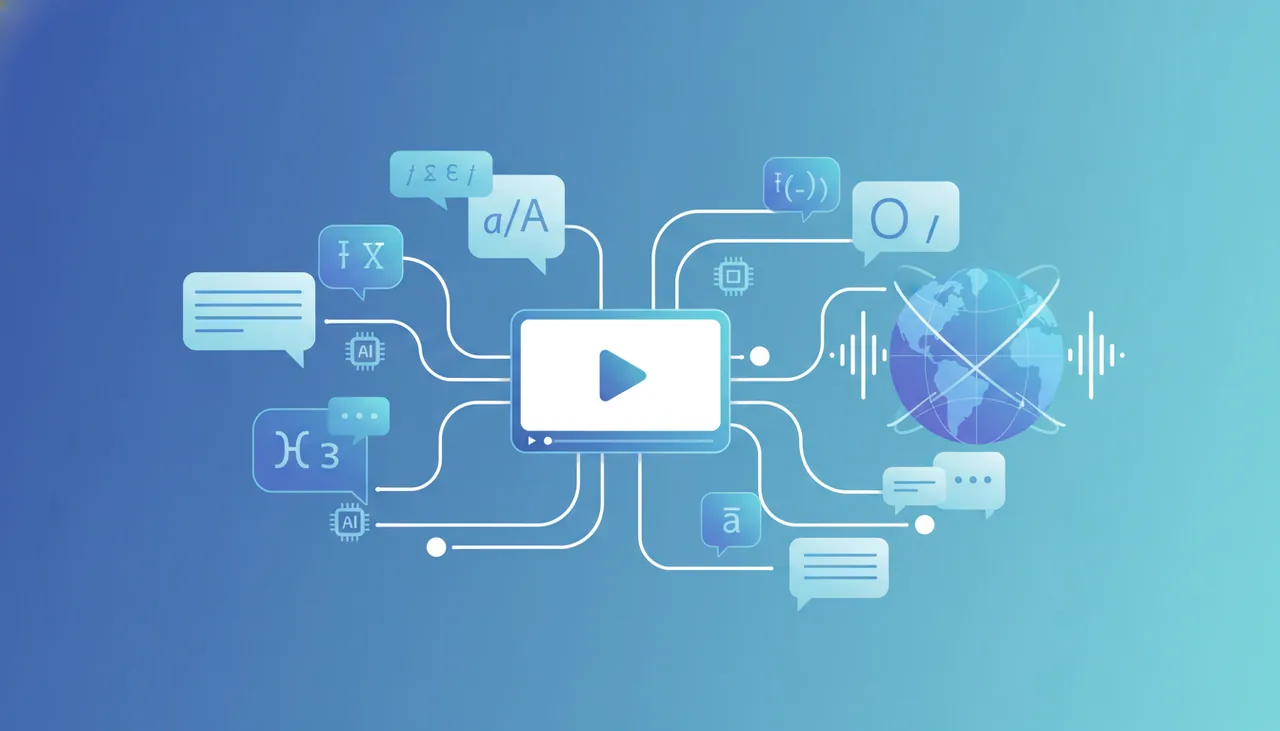
多言語化は「字幕翻訳」と「吹き替え」の2タイプ
動画の多言語対応は、大きく次の2つに分かれます。目的に合わせて選んでください。
- 字幕翻訳:元音声はそのままに、翻訳字幕を付けます。手早く・低コストで多言語化できます。
- AI音声の吹き替え(ダビング):別言語のAIナレーションに差し替える。視聴体験が自然で、解説・研修動画向き。
SNSショートは字幕、説明・研修動画は吹き替え、と使い分けると効果的です。両方を併用することもできます。
目的別おすすめツール
台本から多言語ナレーションを作るなら
翻訳した台本をAI音声で読み上げるならFlikiが向きます。80以上の言語のAI音声に対応し、字幕も自動生成できます。作り方はFlikiの使い方を参照してください。なおPictoryは、公式FAQでテキストから動画を作る機能が現在英語のみとされているため、英語版の台本向けです(Pictoryの使い方)。
アバターが多言語で話す動画なら
AIアバターが各言語で話す解説・研修動画を作るならSynthesiaやHeyGenが定番です。公式ページでは、SynthesiaのAI吹き替えが130以上の言語、HeyGenの動画翻訳が175以上の言語・方言(AI音声・リップシンク・字幕付き)に対応するとされています。使い方はHeyGenの使い方もどうぞ。
既存動画に字幕・音声を載せるなら
手元の動画に翻訳字幕や音声を載せるならVeed.ioやDescriptのような編集ツールが便利です。Veedは有料のPro以上で50以上の言語への翻訳に対応。Descriptは字幕の翻訳が61言語、音声の吹き替えが30言語で、いずれも日本語を含みます(ただしDescriptの自動文字起こしは日本語非対応のため、日本語の元動画には向きません)。
翻訳・吹き替えの作成手順
- 元の台本・字幕を用意する:正確な原文があると翻訳精度が上がる。
- 対応言語のツールを選ぶ:必要な言語に対応しているか確認。
- 翻訳する(字幕/台本):機械翻訳後、固有名詞や言い回しを確認・修正。
- AI音声で吹き替える/字幕を付ける:言語・音声を選び生成。
- 試聴・確認して書き出す:読み・間が不自然な箇所は台本を調整。
自然に仕上げるコツ
- 原文を整える:短く明確な原文ほど翻訳が安定する
- 機械翻訳は必ず確認:固有名詞・数値・言い回しをチェック
- ネイティブ感を試聴で確認:公開前に各言語の読み上げを確認
- 字幕と吹き替えの併用:到達範囲を広げられる
権利・商用利用の注意
他言語展開・商用利用の際は、プランの商用利用条件と、使用する音声・素材のライセンスを確認してください。他人の声を再現する用途は権利面の配慮が必要です。詳しくはAI動画の商用利用ガイドで解説しています。
まとめ
動画の多言語化は「台本ベースならFliki(英語の台本ならPictoryも)」「アバター解説ならSynthesia/HeyGen」「既存動画の編集ならVeed」が基本です。まずは無料枠で各言語の読み上げ品質を確かめてください。各ツールの比較は比較ランキングを参考にしてください。
よくある質問
AIで動画を別の言語に吹き替えできますか?
多言語対応のAIツールを使えば、台本やナレーションを別言語に翻訳し、AI音声で吹き替えた動画を作れます。字幕だけの多言語化に対応するツールもあります。読み上げの自然さはツール・言語で差が出るため、公開前に試聴して確認してください。
字幕翻訳と吹き替え、どちらがいい?
手早く多言語対応するなら字幕翻訳、視聴体験を重視するならAI音声の吹き替えが向きます。SNSのショートは字幕、解説・研修動画は吹き替え、と用途で使い分けるのがおすすめです。両方を組み合わせることもできます。
元の声のまま翻訳できますか?
一部のツールは話者の声質に近いAI音声で吹き替える機能を備えています(例:HeyGenの動画翻訳はAI音声・リップシンク・字幕に対応、ボイスクローンは有料のCreator以上)。ただし他人の声を再現する用途は権利面の配慮が必要です。商用では、ツールが提供する音声を規約の範囲で使うのが安全です。
無料で多言語化できますか?
多くのツールに無料プランや無料トライアルがあります。たとえばHeyGenの無料プランは対応言語が30以上・動画翻訳は1分まで(有料のCreatorは175以上の言語・方言)と、無料枠は対応言語数や時間に制限が付きます(2026年10月16日 公式料金ページ確認)。まず無料で品質を確かめ、本番公開時に有料へ切り替えるのがおすすめです。
次に読む
このガイドは MoviAI編集部(運営者情報・編集方針) が公開情報をもとに作成しています。